
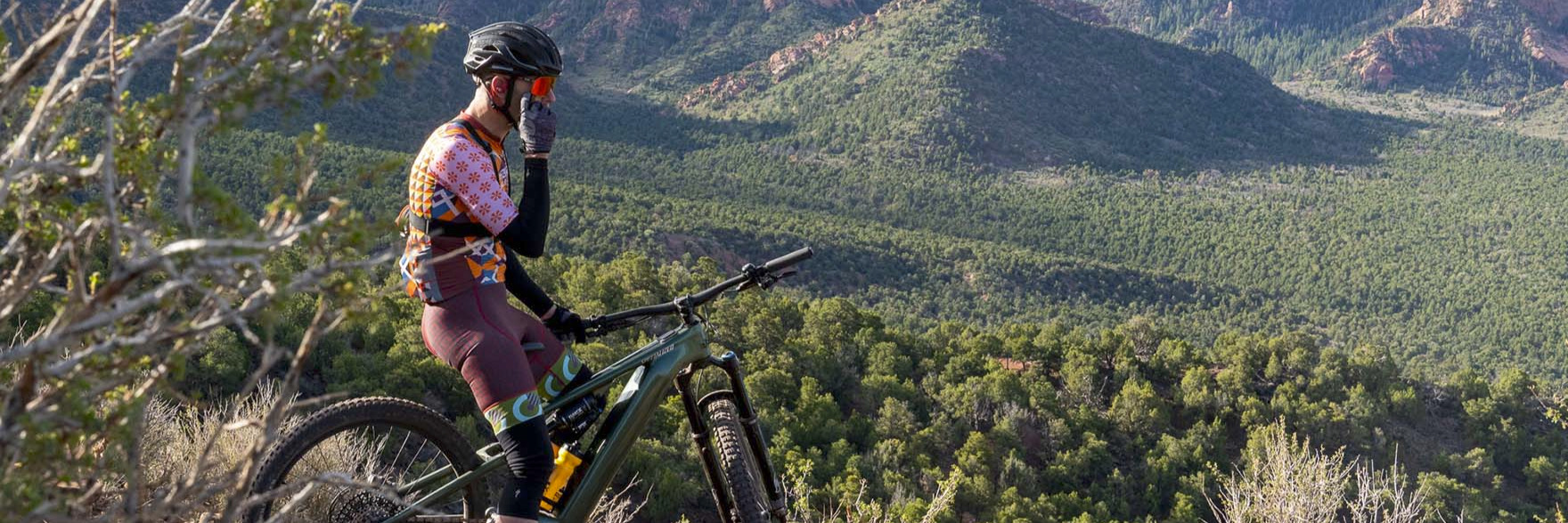
Levo 4 Just Got Stronger, Smarter, Smoother
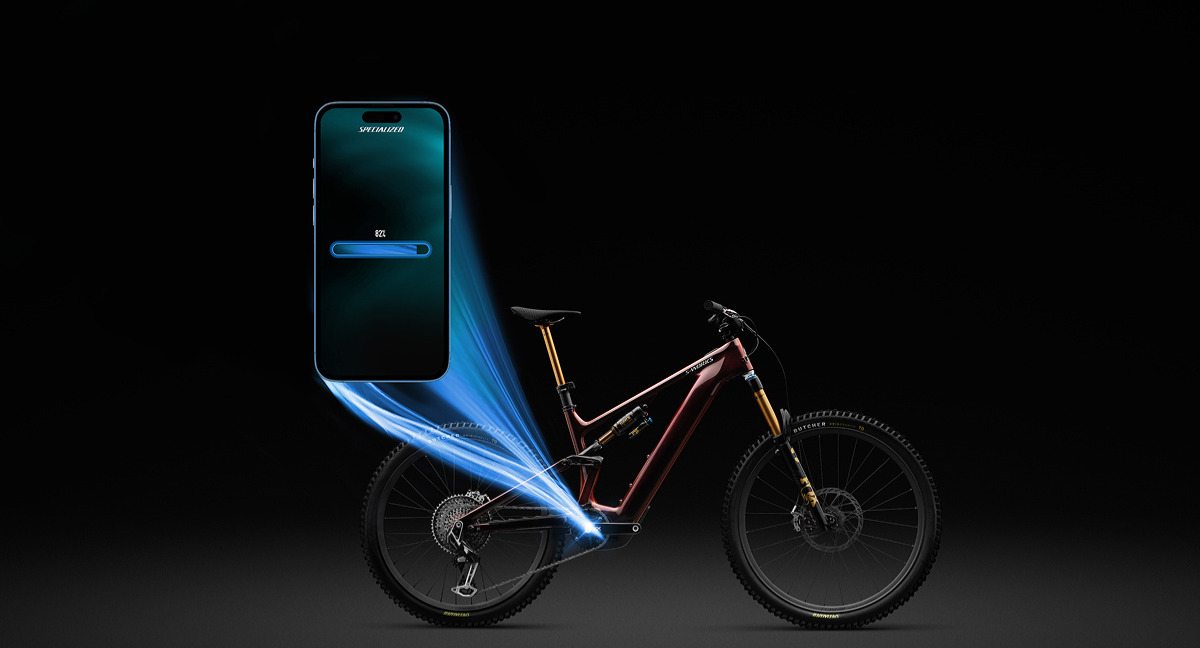
The Best-in-Test Levo 4 e-MTB just leveled up with more power, smoother behavior, and new personalization features through our first Over-the-Air update. This release brings a clear lift in performance to every LEVO G4, and riders can complete the update at home through the Specialized app or have our team handle it in-store for free!
What's New
More SuperNatural Power:
S-Works models gain 18% peak power (up to 850W at the motor) while holding 111Nm torque.
All other models gain 22% peak power (up to 810W at the motor) with torque boosted to 105Nm.
Dynamic MicroTune with 1x You: This added setting matches motor output precisely to rider input for ultimate control and efficiency.
Smoother Max Speed Transition: Support tapers more naturally as you approach the legal speed limit for a seamless ride feel.
Sharper Overrun Behavior: More responsive assist after you stop pedaling, making it easier to clear roots, step-ups, and obstacles.
Personalized Walk Mode: Now you can choose between three walk mode speeds.
Rider FAQ's
Q: How do I access the Over-the-Air Update?
A:
Make sure the bike is turned on and connected to the Specialized app.
Select the Levo 4 you'd like to update from the list of available bikes.
Under "Settings", select "Bike Status".
On the next page, under "System," select "Update Needed".
On the next page, select "Download and Install".
On the final page, select "Update Firmware".
Q: How does this update affect range?
A: In repeated real-world testing with an 80 kg rider in Eco mode, we saw:
S-Works: ~4.4 hours of ride time
Other models: ~5 hours of ride time
For the longest possible ride, set Microtune to 10/10 — you'll get even more range while the motor gives about ± 80W of assist.
Q: Can I match my old power settings after the update?
A: Yes. Use this chart to match your previous settings and see a table comparing Levo Gen 3 and Levo 4 for equal range year over year.
FAQ Continued
Q: Can I wait and update later?
A: We recommend updating now to get the most out of your Levo 4. But if timing's an issue, you can update later.
Q: How long does the update take?
A: Up to 30 minutes. Keep your phone near the bike, don't switch apps, and try to avoid notifications during the process.
Q: What if the update fails?
A: Nothing harmful happens — just restart the Over-the-Air update. Levo 4 has dual memory slots, so the original firmware stays safe.
Q: Can Red Rock do the update?
A: Yes. Bring your Levo in and we will perform the update for free!
Q: How does Specialized measure peak power and torque?
A:
Peak power is measured at the chainring and depends on cadence — you'll reach peak power between 85–110 rpm.
Peak torque is available even at very low cadence (0–50 rpm).
At the rear wheel, actual power and torque depend on gear selected, drivetrain condition, and normal mechanical losses.